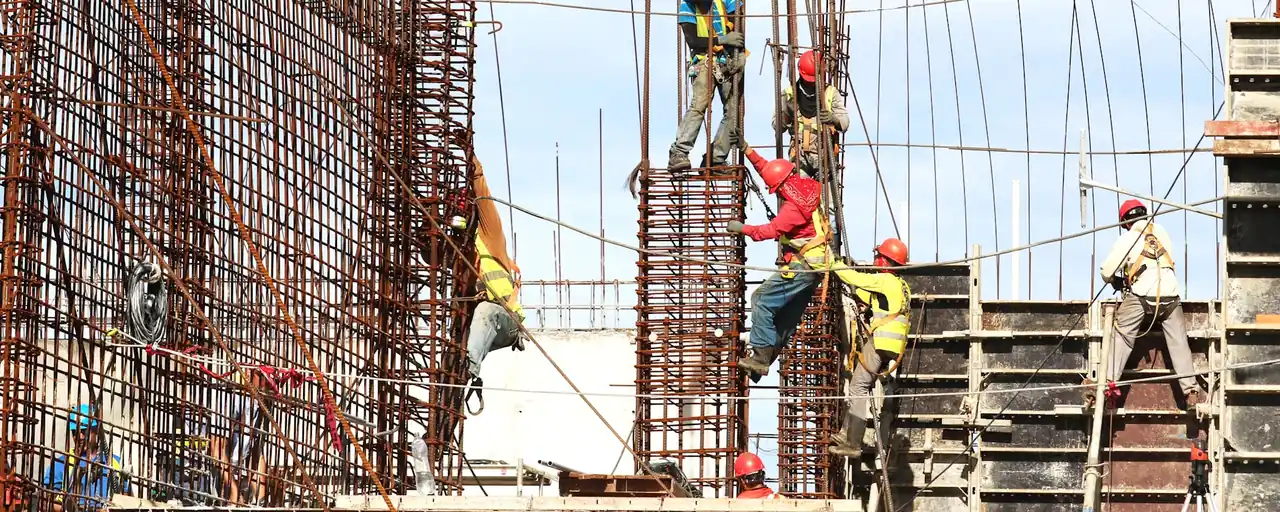
Construction crew assembling reinforcing steel and wall forms for a concrete structure

Concrete volume calculator

Concrete Calculator

How much concrete do you need?

This concrete calculator turns pour dimensions into cubic yards, cubic feet, cubic meters, sourced bag counts, and optional material cost.

Outputs
yd³ · ft³ · m³
Bags
40 · 50 · 60 · 80 lb
Shapes
7 pour types
Allowance
0% unless you choose it

Concrete calculator for volume and bags

Choose a pour shape, then match each measurement to the diagram.

Slab / floor area 1
Concrete shape dimension guide
Slab / floorDimension guide · not to scale
%
Optional user-selected allowance; no universal percentage is assumed.

Concrete calculation result

Total concrete needed1 area

Order volume

2.96yd³

20 ft × 12 ft × 4 in slab / floor · 0% planning allowance

Net volume
2.96 yd³
80.00 ft³
Allowance volume
0.00 yd³
0% selected
Metric equivalent
2.265
80.00 ft³
Material cost
Add a local price
Volume only

Equivalent bag counts

Whole bags, rounded up
40 lb2670.3 ft³ declared yield
50 lb2140.375 ft³ declared yield
60 lb1780.45 ft³ declared yield
80 lb1340.6 ft³ declared yield

Product-specific estimates use US QUIKRETE Concrete Mix No. 1101 declared yields, checked July 29, 2026. See source details.

Formula and engineering detail

Rectangular prism: length × width × thickness

20 ft × 12 ft × (4 ÷ 12) ft = 80.0000 ft³

Net 80.0000 ft³ ÷ 27 = 2.962963 yd³; order volume remains 2.962963 yd³ at 0%.

Material quantity and material-cost planning estimate only—not an order confirmation, construction quote, mix design, or structural design. Verify site measurements, product labels, supplier yield, approved drawings, and local requirements before purchase or work.

01Seven pour shapesCommon pour geometry
02Multi-area takeoffCombine repeated sections
03US + metricPhysical size stays constant
04Printable detailInputs, formulas, and results

What the result means

From field dimensions to a checkable concrete estimate

The concrete calculator converts the selected shape to cubic volume without rounding intermediate values. Net volume stays separate from any allowance, clearly showing the difference between measured and order quantities.

It does not choose slab thickness, concrete strength, reinforcement, or construction details. Use approved project information or qualified local guidance; this concrete calculator handles the material takeoff.

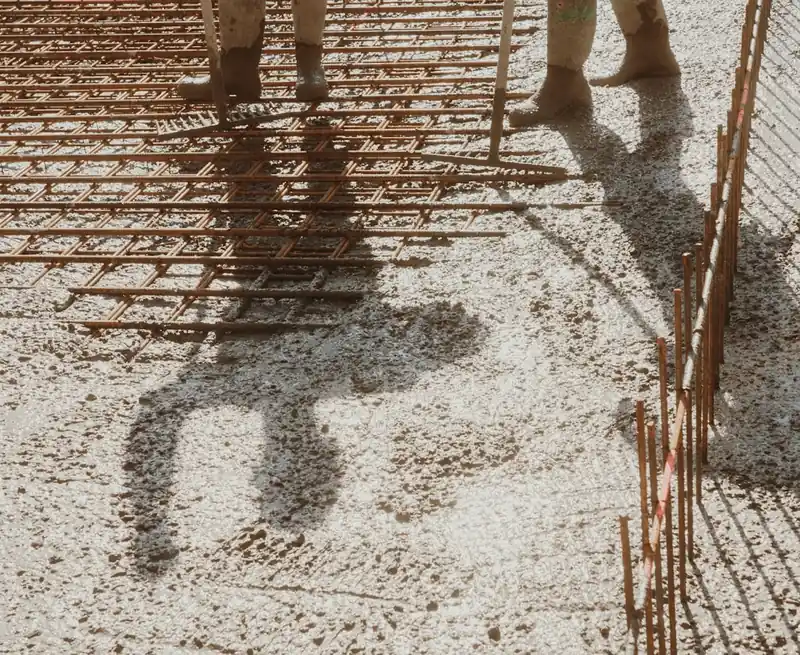
Crew working around reinforcing steel during a concrete slab pour
A successful placement begins with a takeoff tied to measured geometry.

Calculation method

Four steps from measurement to purchasing output

  1. 01

    Measure the actual shape

    Choose the closest geometry and enter every required dimension with its displayed unit. Add separate areas instead of averaging unlike sections.

  2. 02

    Calculate net volume

    Each length is converted to one internal unit before the shape formula runs. Component volumes are added at full numerical precision.

  3. 03

    Set an allowance

    The default is 0%. If you choose a planning allowance, the Concrete Calculator displays both the net amount and the additional amount rather than hiding them in one number.

  4. 04

    Review purchasing outputs

    Bag estimates use declared product yield and round up only after the allowance. Optional cost uses your price and the unrounded order volume.

Rectangular volumeV(ft³) = length(ft) × width(ft) × thickness(ft)
Cubic-yard conversionV(yd³) = V(ft³) ÷ 27
Order volumeorder = net × (1 + allowance ÷ 100)
Whole bagsbags = ceiling(order ft³ ÷ declared yield)

Circular columns and pads use π × radius² × depth. Curbs use the average of the top and bottom widths for a trapezoidal cross-section. Solid steps are summed one level at a time, with a landing calculated separately when supplied.

Worked example

A 10 ft × 10 ft × 4 in slab

In this concrete calculator example, convert 4 inches to feet: 4 ÷ 12 = 0.333333 ft. The net volume is therefore 10 × 10 × 0.333333 = 33.333333 ft³. Dividing by 27 gives 1.234568 yd³, displayed as 1.23 yd³. With the default 0% allowance, net and order volume are the same.

If you deliberately select a 10% planning allowance, the order volume becomes 36.666667 ft³, or 1.358025 yd³, displayed as 1.36 yd³. A 60 lb Concrete Mix No. 1101 bag declares 0.45 ft³ of yield, so this scenario is 36.666667 ÷ 0.45 = 81.48 bags and rounds up to 82 whole bags. The allowance is a user choice, not a recommendation.

Sourced purchasing data

Concrete bag yield reference

Bag weight alone does not establish yield. These concrete calculator estimates use one identifiable US product family, not universal values. If your bag has a different product name, SKU, region, or label yield, use its current information.

QUIKRETE Concrete Mix No. 1101 — US declared approximate yields
BagProduct No.Yield (ft³)Yield (L)Bags per yd³
40 lb1101-400.38.5090
50 lb1101-500.37510.6272
60 lb1101-600.4512.7460
80 lb1101-800.616.9945

Calculated liters convert declared cubic-foot yields; bags per cubic yard use 27 ft³ and round up. This independent tool identifies QUIKRETE products only and is not sponsored, endorsed, or affiliated with The QUIKRETE Companies, LLC.

Purchasing path

Bags or delivered ready-mix?

01

Use bag output as a product estimate

Bag counts are useful when you have selected a specific packaged mix and can verify its label yield. The Concrete Calculator rounds the final quantity up because a fraction of a sealed bag is not a purchasing unit. It does not account for your mixer capacity, labor, storage, or batch sequencing.

02

Use volume when requesting ready-mix

For delivered concrete, take the unrounded cubic-yard or cubic-meter result to a local supplier. Ask about its order increments, minimum load, delivery fees, site access, and any quantity adjustments it requires. The concrete calculator estimates material cost from the price you enter; it is not a supplier order.

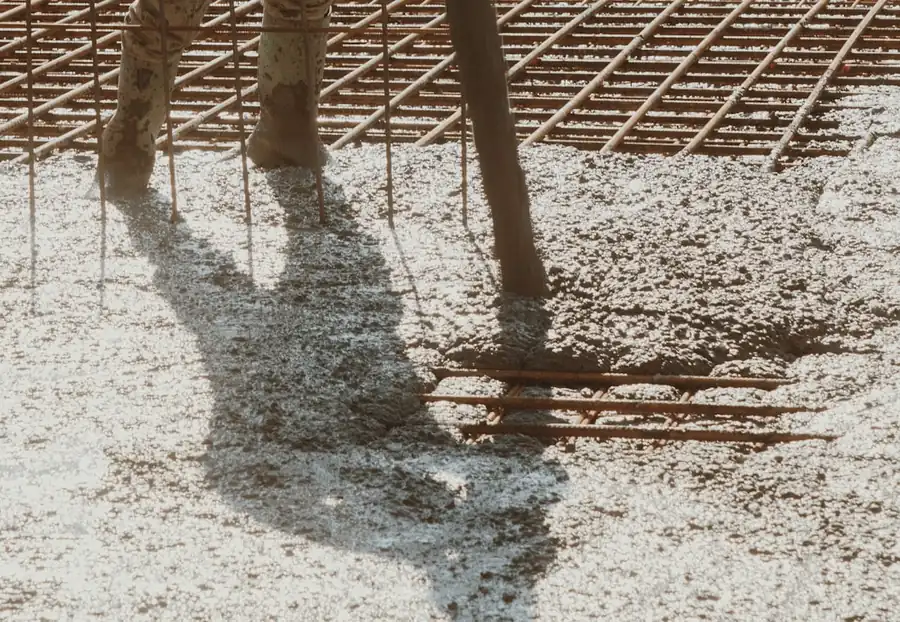
Reinforcing steel and fresh concrete during slab placement
The quantity estimate does not replace structural or placement decisions.

Accuracy and limits

What controls the quality of the result?

Measurements

Small errors in thickness affect the entire footprint. Measure each section, keep units attached, and separate irregular areas where practical.

Project geometry

The formulas model ideal solids. Voids, slopes, thickened edges, penetrations, and uneven excavation need their own measured components or deductions.

Planning allowance

No single percentage fits every project, so 0% is the default. Select another scenario only after considering your measurements, placement, and supplier guidance.

Design decisions

Volume math cannot determine thickness, strength, reinforcement, base preparation, drainage, frost depth, or load capacity. Follow approved plans and qualified local advice.

Specialized calculators

Useful follow-up answers

Concrete calculator FAQ

How do I calculate cubic yards of concrete?

Convert length, width, and thickness to feet, multiply them to obtain cubic feet, and divide by 27. For example, a rectangular area containing 54 ft³ equals 2 yd³. Use the appropriate cylinder or trapezoid formula when the project is not rectangular.

How much concrete is needed for a 10 × 10 slab at 4 inches thick?

The exact net volume is 33.333333 ft³, or 1.234568 yd³, which displays as 1.23 yd³. That is before any user-selected allowance. A 10% scenario would produce an order volume of 1.358025 yd³, displayed as 1.36 yd³.

How many bags of concrete make one cubic yard?

It depends on the declared yield of the exact product. For the US Concrete Mix No. 1101 records used here, one cubic yard equals 90 of the 40 lb bags, 72 of the 50 lb bags, 60 of the 60 lb bags, or 45 of the 80 lb bags.

Should I automatically add 10% for waste?

No universal percentage is appropriate for every pour. This concrete calculator starts at 0% and lets you compare 5%, 10%, or 15% scenarios without calling any of them a recommendation. Base your selection on field measurements, placement conditions, project documents, and supplier guidance.

Can I combine several slabs or concrete areas?

Yes. Choose a shape and use “Add another area” to calculate multiple components of that same shape. Each component is calculated independently at full precision and then summed. If shapes differ, calculate and print them separately so the input record remains clear.

Does switching from US to metric units change the project size?

No. The controls convert the entered physical dimensions when you switch systems or change an individual unit. The internal calculation does not reinterpret 10 feet as 10 meters. Small display differences can occur because input and result fields show a practical number of decimal places.

Why might a supplier quote a different order quantity?

A supplier may use order increments, minimum loads, its own yield assumptions, or information about the placement that this geometry tool does not know. Site conditions and measured dimensions can also differ from a drawing. Treat this result as preparation for the supplier conversation, not a replacement for it.

Does the Concrete Calculator choose slab thickness or reinforcement?

No. Thickness, concrete strength, reinforcing steel, wire mesh, base design, joints, and structural capacity depend on the project and local requirements. Enter dimensions from approved plans or qualified guidance. The tool calculates material quantity from those inputs only.

What does the optional cost result include?

It multiplies the unrounded order volume by the delivered-concrete unit price you enter. It does not silently include delivery, short-load charges, pumping, labor, tax, permits, excavation, reinforcement, or finishing. Use a current written quote for a complete project budget.
Sources and calculation boundary

Reference record

Product labels and project conditions can change.